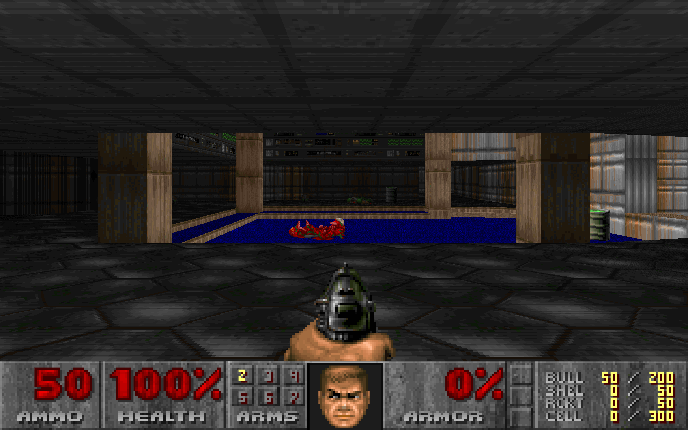
DOOM
Original shareware · solo or 4-player co-op
Play with friends DOOM · up to 4 players
Voice chat & push-to-talk
Microphone off
Voice uses this PC's microphone and speakers. Hold your chosen key to transmit. Audio is relayed live and never recorded.
Share a three-letter room link. The owner approves each friend. Everyone has their own PC controls and optional headset.
How do you want to play?
Same game. Same keyboard and mouse.
Scan with your phone.
Open the camera on your phone and point it here.
Open the link → choose WebXR when available → put on your viewer.
Headset browser or manual pairing
Open vr.funwith.us/join in your headset and enter:
This pairs your own display. Keep this code private.
Your game view
Start VR on your device, then click below to use your keyboard and mouse.
Esc releases your mouse · R recenters the headset
WASD Move / Mouse turn & fire / Space Jump / E Open doors / Tab Menu
1–7 Weapons / Shift Run / Look around with your head. Start seated.
Headset fit & comfort Adjust while the phone is connected
Seeing double? Show the grid, then adjust Image spacing until the two rings merge into one relaxed image. With PC controls active, [ moves them closer, ] farther apart, and C returns to the game. Fit saves on this PC.
Image spacing sets the distance between the lens centers as a percentage of the full screen width. 3D eye separation changes depth. Phone fit controls do not change a WebXR headset’s own calibration.
The Pixel 10 / Daydream fit is a starting point, not a measured viewer profile. Center the phone in the viewer. Alignment pauses solo play; in co-op only your controls pause. The preview runs at up to 10 fps; the headset renders independently.